Featured sets
Use the featured sets to start quickly, then refine your list with filters. Quick Add works across all cards on this page.
Try Organic only to see a smaller list.
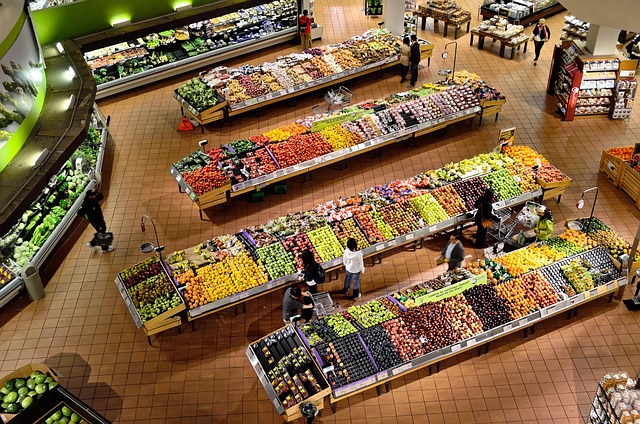
Seasonal collage
A bright mix of fruits and vegetables for inspiration.
Badge legend
Badges help you scan, but they do not replace full product details. If you have questions about what a badge means on the marketplace, visit the FAQ or reach out on the About page.
Product cards include quick category context, badge labels, and a Quick Add button. Hover a card to see the lift animation. If you prefer to compare items, apply filters to reduce the list and keep it readable.
0 results
Updates as you filter
Featured sets
Use the featured sets to start quickly, then refine your list with filters. Quick Add works across all cards on this page.
Try Organic only to see a smaller list.
Keep track
The cart count in the header updates immediately when you add items. You can open Cart anytime to adjust quantities.
Use View cart from the popup if you want to review.
Plan meals
Recipes help you choose balanced baskets: vegetables for mains, grains for bases, and pantry items for flavor.
1) Confirmed
A small popup confirms the item added and provides a direct link to Cart. The popup does not block browsing.
2) Count updated
The cart count updates in the header. This helps you track progress while you explore categories and filters.
3) Review in Cart
Open Cart to adjust quantities, remove items, and check totals. Cart controls are designed to be clear and accessible.